


I am delighted to collaborate with CVS Pharmacy in promoting #BetterHealthMadeEasy and encouraging everyone to #FindYourHealthy. The views expressed here are my own, and any claims or details regarding products or programs should be validated through CVS.com or the respective manufacturers.
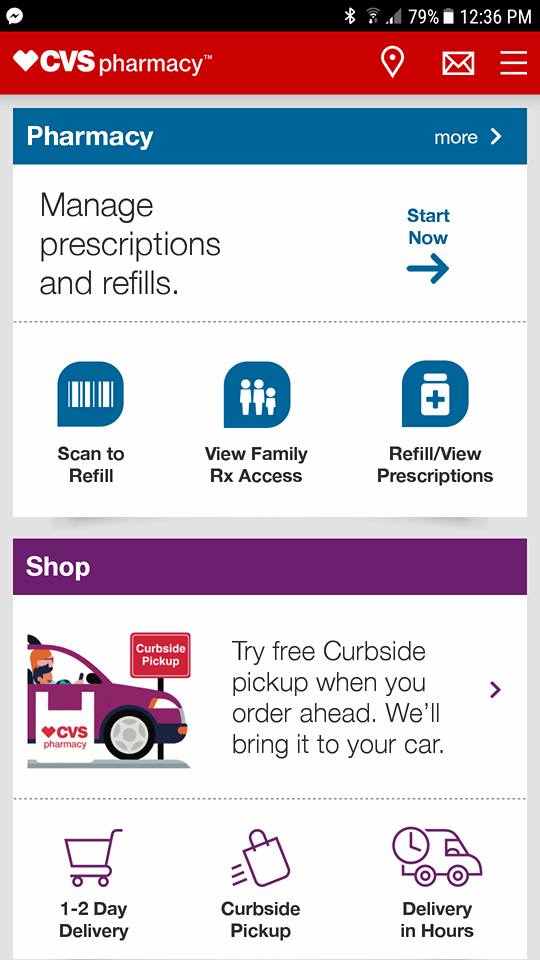
Motherhood involves juggling numerous responsibilities, and at times, keeping track of prescriptions becomes overwhelming. That’s where the CVS Pharmacy App comes into play, ensuring we never run out of essential medications.
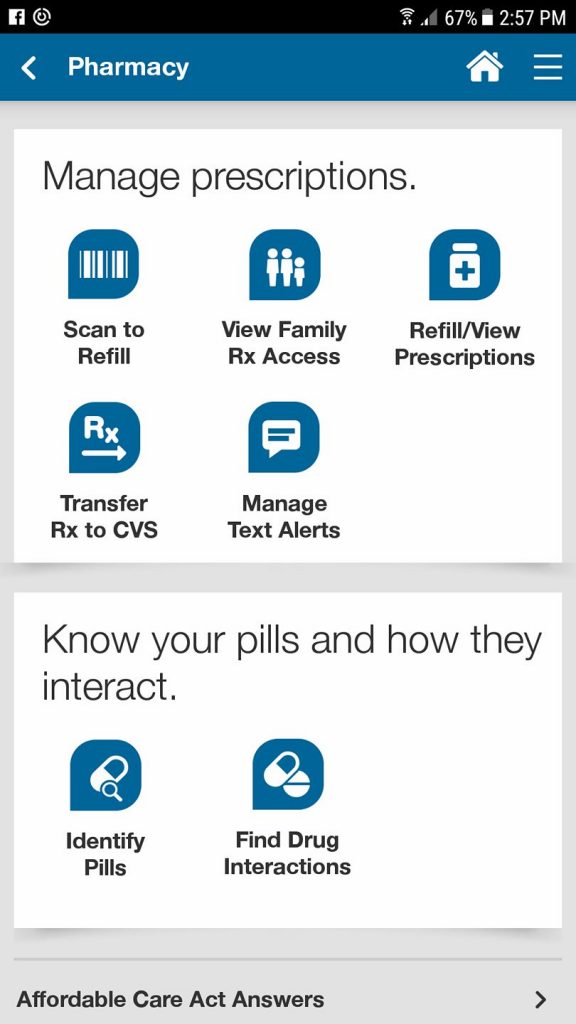
With just a few taps on the app, I can refill prescriptions, review my medication list, request refills, or even transfer prescriptions to another CVS. Additionally, if you happen to spill your pill organizer (as I have), it even assists in identifying pills.
I’ve also set up text notifications for my account, so I receive a message when my auto-refill prescriptions are ready for pick up, along with a link to check which prescription it is.
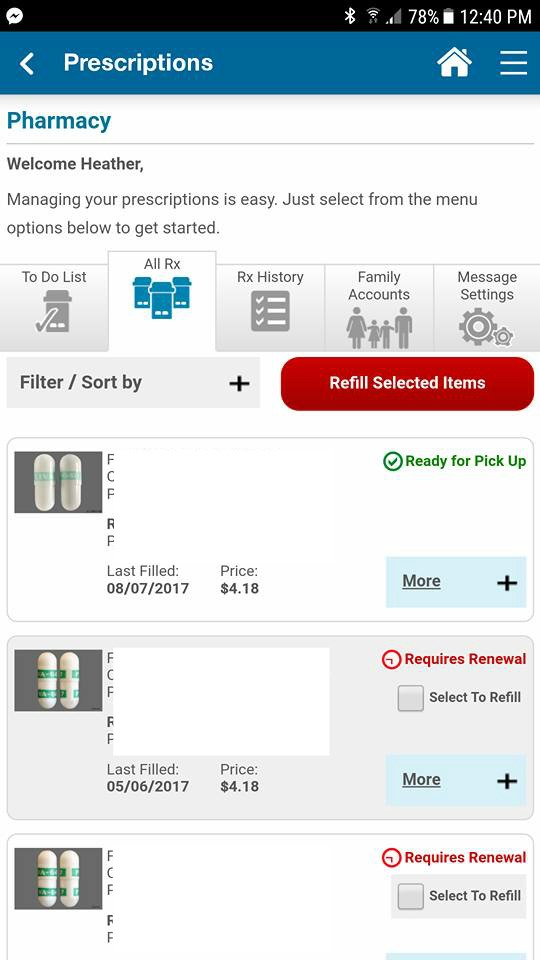
This is what my “all rx” page looks like. It shows me the prescriptions I’ve filled, their dates, and costs. One of my allergy meds had expired, and I can easily choose to refill it, prompting the pharmacy to initiate the renewal process. Super straightforward!
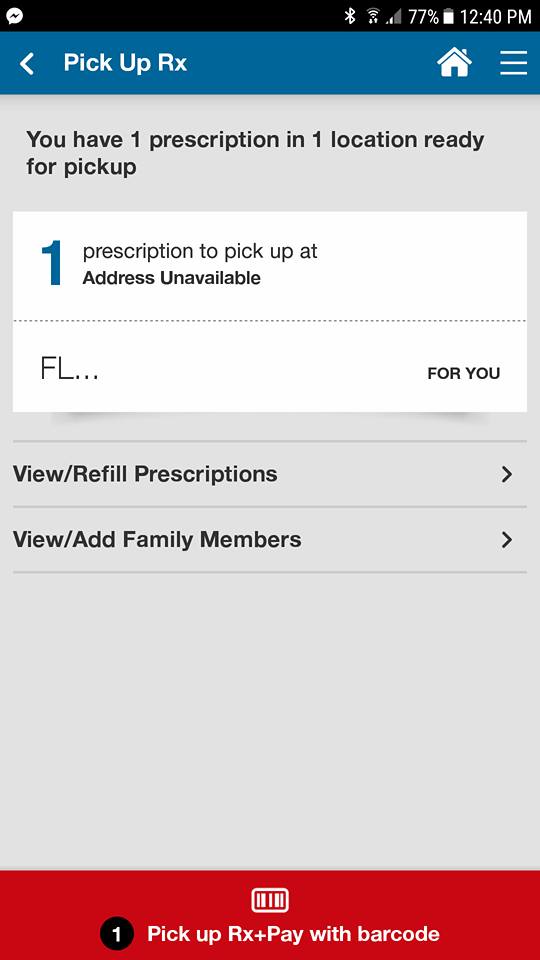
It becomes even more convenient because I can manage medications for others too. By linking my husband’s prescriptions, I can ensure that he never runs low on his allergy medications.
The CVS Pharmacy app is packed with features designed to simplify your life:
· Pharmacy: Managing you and your family’s prescriptions is simpler than ever—download the app to scan medications for automatic refills, view and transfer prescriptions to a local CVS Pharmacy, set reminders for taking medications, check for potential drug interactions, and pick up prescriptions just by showing the app, enhancing privacy.
· Deals & Rewards: Forget clipping coupons! The CVS Pharmacy app delivers personalized deals based on your shopping history, which you can directly send to your ExtraCare Rewards card.
· Photo Center: Upload photos from your phone or Facebook via the CVS Pharmacy app and pick up your prints in-store. So easy!
· Online Shopping: Browse for your favorite CVS items through the app and effortlessly reorder past purchases.
· Store Locator: You can locate the nearest CVS Pharmacy store whether you’re at home or traveling across the country.
Discover and download the app right here!
Comments
Add Your Comment Cancel reply




Sarah L says
Unfortunately, there’s no CVS in Colorado, so this isn’t useful for me.